Product comparison
iolo System Mechanic vs Professional vs Ultimate Defense
The three editions share Windows maintenance but package different additional tools. Standard System Mechanic focuses on cleanup, startup and performance controls. Professional adds protection and data tools. Ultimate Defense adds dedicated browser privacy controls and password management. Choose the package around the components you intend to activate and use.
Compare included tools
| Task | System Mechanic | Professional | Ultimate Defense |
|---|---|---|---|
| Windows maintenance | Cleanup, startup controls, ActiveCare and LiveBoost | Includes the maintenance tools | Includes the maintenance tools |
| Ongoing antivirus | Not included in standard | System Shield antivirus and antispyware | System Shield antivirus and antispyware |
| On-demand malware scans | No Malware Killer component included | Malware Killer | Malware Killer |
| Deleted-file recovery | No Search and Recover component included | Search and Recover | Search and Recover |
| Drive erasure | No standalone DriveScrubber component included | DriveScrubber | DriveScrubber |
| Dedicated browser privacy | Local browsing-data cleanup within maintenance | Local browsing-data cleanup within maintenance | Privacy Guardian plus maintenance cleanup |
| Password management | ByePass+ not included | ByePass+ not included | ByePass+ password management |
Which workflow fits?
Choose standard System Mechanic for maintenance
iolo System Mechanic covers Windows cleanup, startup review and performance controls. Configure Smart ActiveCare around the tasks you want to automate and use the maintenance history to inspect what ran. The standard package does not include the suite's antivirus and deleted-file recovery components.
Consider Professional for protection and data tools
System Mechanic Professional, also called Pro, adds System Shield for ongoing protection, Malware Killer for on-demand scans, Search and Recover for deleted files and DriveScrubber for drive erasure. These are separate operations; recovering missing files and erasing a drive have opposite purposes.
Consider Ultimate Defense for privacy and passwords as well
System Mechanic Ultimate Defense extends Professional with Privacy Guardian and ByePass+. Review site exclusions and retained browser data, and complete the password manager's browser-extension and account setup. Local browser cleanup and dedicated privacy controls are different functions.
Edition scope and practical checks
These are current unnumbered catalog entries. A shared installer or a System Mechanic window title does not establish access to every suite component: the activated entitlement matters. Do not infer inclusion of separate ioloVPN or iolo Updater products from a suite name.
- List the maintenance, protection, recovery, privacy and password tasks you actually need.
- Activate the selected edition and check Product Information and the enabled components.
- Configure each relevant tool separately, including active antivirus status and browser extensions where applicable.
- Test the intended tasks and keep independent recovery copies before substantial cleanup or drive erasure.
This is a comparison of included tools, not a benchmark of malware detection or performance. Maintenance, protection and deleted-file recovery do not replace independent backups.
Compared products
Review the selected catalog editions and confirm the components enabled by your own license.
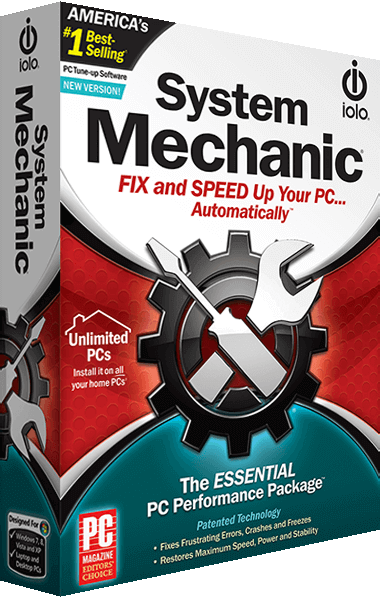
iolo System Mechanic
Clean unnecessary Windows files, review startup programs and configure automated maintenance and performance controls.
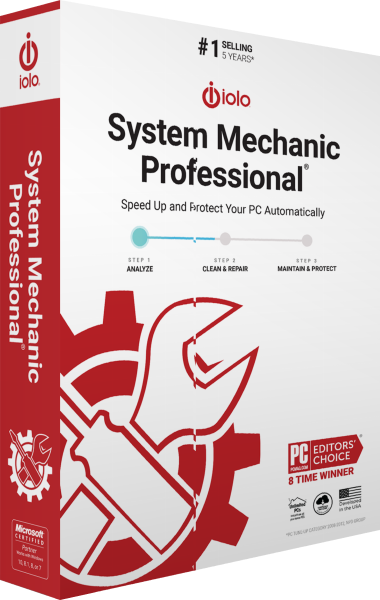
iolo System Mechanic Professional
Maintain Windows and manage antivirus protection, on-demand malware scans, deleted-file recovery and drive erasure.
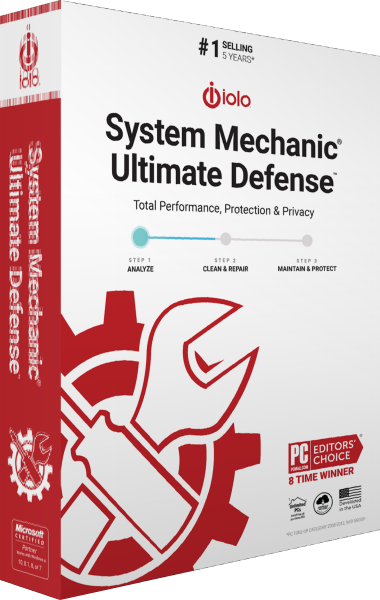
iolo System Mechanic Ultimate Defense
Maintain Windows, protect against malware and manage browser privacy, passwords, file recovery and drive erasure in one suite.
Explore more
- iolo System Mechanic Ultimate Defense vs Avira Prime
- iolo System Mechanic Ultimate Defense vs AVG Ultimate
- iolo System Mechanic Ultimate Defense vs Avast Ultimate
- iolo System Mechanic Ultimate Defense vs Kaspersky Premium
- iolo System Mechanic Ultimate Defense vs Bitdefender Premium Security
- iolo System Mechanic Ultimate Defense vs IObit Advanced SystemCare Ultimate
- iolo System Mechanic Professional vs IObit Advanced SystemCare Ultimate
- iolo System Mechanic Professional vs AVG Ultimate
- iolo System Mechanic Professional vs Avast Ultimate
- iolo System Mechanic Professional vs Auslogics Essential Tools
- iolo System Mechanic Professional vs Avira Prime
- Ashampoo WinOptimizer Pro 29 vs iolo System Mechanic
- iolo System Mechanic vs IObit Advanced SystemCare Pro
- iolo System Mechanic vs AVG TuneUp
- iolo System Mechanic vs CCleaner Professional
- iolo System Mechanic vs Auslogics BoostSpeed
- iolo System Mechanic vs Nero TuneItUp PRO 2026
- Explore PC optimization software
- Prepare independent file backups