Product comparison
iolo System Mechanic Ultimate Defense vs AVG Ultimate
Both packages cover malware protection and Windows maintenance, while their additional tools differ. Ultimate Defense includes Privacy Guardian, ByePass+, Search and Recover and DriveScrubber. The current AVG Ultimate offer lists Internet Security, TuneUp, Secure VPN and AntiTrack. Compare that component list with your account and the tasks you need.
Compare included tools
| Task | iolo System Mechanic Ultimate Defense | AVG Ultimate |
|---|---|---|
| Antivirus and malware scans | System Shield plus separate Malware Killer on-demand scanning | AVG Internet Security and its malware-scan controls |
| Windows maintenance | System Mechanic cleanup, startup controls and ActiveCare | AVG TuneUp cleanup and performance tools |
| Browser privacy | Privacy Guardian cookie and privacy controls | AVG AntiTrack in the current Ultimate bundle |
| Passwords | ByePass+ password management | A password manager is not established by the current four-component bundle list |
| VPN | ioloVPN is a separate product with its own entitlement | AVG Secure VPN in the current offer |
| Recovery and erasure | Search and Recover and DriveScrubber are named components | Do not infer equivalent deleted-file recovery and full-drive erasure from the Ultimate name |
Which workflow fits?
Consider Ultimate Defense for passwords and data utilities alongside care
iolo System Mechanic Ultimate Defense combines maintenance and malware tools with ByePass+ and dedicated browser privacy controls. Its recovery and drive-erasure components address additional data tasks. Configure the password extension and review privacy exclusions rather than assuming suite activation completes all setup.
Consider AVG Ultimate for the four-application bundle
AVG Ultimate currently lists Internet Security, TuneUp, Secure VPN and AntiTrack. Confirm installation and activation for each component and inspect the Windows functions available to your subscription. A device allowance does not establish identical features on desktop and mobile platforms.
Anti-tracking, browser-data cleanup and a VPN cover different privacy tasks. None establishes that an unfamiliar website or payment request is trustworthy. Review the status of each service separately, and use the security application for malware alerts rather than treating a successful cleanup as a threat check.
Edition scope and practical checks
This comparison focuses on Windows use of the current unnumbered entries. Existing AVG subscriptions and regional offers can differ from the current bundle list. Check your actual entitlement before relying on additional applications or transferring functions between platforms.
- Confirm the selected subscription, included applications and device coverage.
- Verify the active antivirus configuration and complete the available updates.
- Inspect cleaning categories, retained browser data and anti-tracking settings before enabling recurring work.
- Check VPN or password-manager setup separately, then test the applications and data tasks you intend to use.
We have not benchmarked malware detection, cleanup accuracy or performance on identical systems. The comparison describes documented tool coverage. Recovery depends on surviving, readable data; threat removal and privacy controls do not replace independent, tested backups.
Compared products
Review the selected catalog products and the components enabled by the actual subscription.
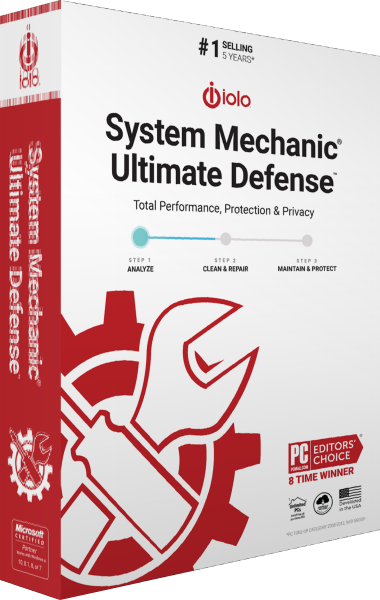
iolo System Mechanic Ultimate Defense
Maintain Windows, protect against malware and manage browser privacy, passwords, file recovery and drive erasure in one suite.

Explore more
- iolo System Mechanic Ultimate Defense vs Avira Prime
- iolo System Mechanic Ultimate Defense vs Avast Ultimate
- iolo System Mechanic Ultimate Defense vs Kaspersky Premium
- iolo System Mechanic Ultimate Defense vs Bitdefender Premium Security
- iolo System Mechanic Ultimate Defense vs IObit Advanced SystemCare Ultimate
- iolo System Mechanic vs Professional vs Ultimate Defense
- iolo System Mechanic Professional vs AVG Ultimate
- iolo System Mechanic vs AVG TuneUp
- Explore internet security software
- Prepare independent file backups