Product comparison
iolo System Mechanic Professional vs Avira Prime
Both subscriptions combine protection with PC maintenance, but their additional services differ. Professional includes deleted-file recovery and drive erasure. Avira Prime groups antivirus, Windows tuning and privacy services including a VPN and password management. This comparison focuses on Windows functions and the entitlement for the selected subscription.
Compare included tools
| Task | iolo System Mechanic Professional | Avira Prime |
|---|---|---|
| Antivirus | System Shield real-time protection | Avira antivirus protection |
| Windows maintenance | System Mechanic cleanup, startup controls, ActiveCare and LiveBoost | System Speedup Pro cleanup and tuning tools |
| Additional threat investigation | Separate Malware Killer on-demand scans | Review scan controls within the activated antivirus application |
| VPN | Separate ioloVPN entitlement required | VPN service included in Prime; verify availability for the location and device |
| Passwords and privacy | Local browser cleanup; ByePass+ and Privacy Guardian belong to Ultimate Defense | Password management and privacy tools within the selected Prime offer |
| Data utilities | Search and Recover and DriveScrubber are named components | Check the scope of Windows tuning and backup tools; do not assume equivalent deleted-file recovery or full-drive erasure |
Which workflow fits?
Consider Professional for its named recovery and erasure tools
iolo System Mechanic Professional brings maintenance and malware protection together with Search and Recover and DriveScrubber. Use recovery to investigate surviving deleted data and erasure to prepare selected storage for handover, preserving needed information independently beforehand.
Consider Prime for protection and online-service coverage
Avira Prime combines antivirus with Windows maintenance through System Speedup Pro, VPN access and password management. Review the tools available on the selected device and complete any separate application, browser-extension and account setup.
A multi-platform subscription does not provide the same tuning tools on every device. Check the actual Windows components and account coverage rather than assigning Mac or mobile functions to the PC. Password management and VPN use also remain separate from cleaning local browser data or confirming active antivirus protection.
Edition scope and practical checks
Both entries are unnumbered. Check the selected Prime offer, device coverage and service availability. Professional is different from Ultimate Defense, which adds dedicated privacy and password components; neither edition should be assumed to include the separate ioloVPN product.
- List the Windows maintenance, protection, VPN, password and data tasks you intend to use.
- Verify the selected account entitlement and finish activation for the relevant applications and extensions.
- Check antivirus updates, VPN status and password-manager access as separate functions.
- Test ordinary applications after maintenance changes and maintain independent, verified copies of important files.
We have not benchmarked protection effectiveness, cleanup accuracy or performance on identical PCs. Feature coverage is not a detection-rate ranking. Keep independent recovery copies: malware removal and deleted-file searches cannot guarantee restoration of lost or overwritten data.
Compared products
Review the selected catalog products and the components enabled by the actual subscription.
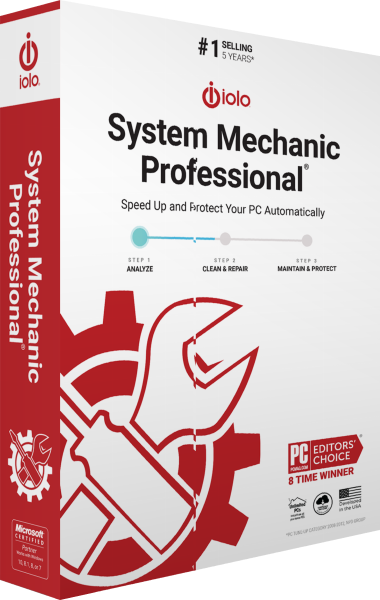
iolo System Mechanic Professional
Maintain Windows and manage antivirus protection, on-demand malware scans, deleted-file recovery and drive erasure.
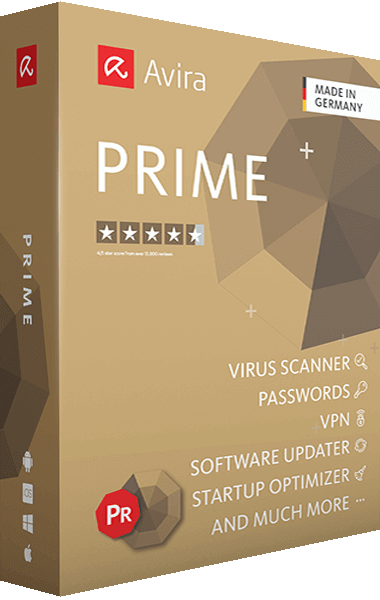
Avira Prime
Combine malware protection, VPN browsing, and password management with Avira Prime.
Explore more
- iolo System Mechanic Ultimate Defense vs Avira Prime
- iolo System Mechanic Professional vs IObit Advanced SystemCare Ultimate
- iolo System Mechanic Professional vs AVG Ultimate
- iolo System Mechanic Professional vs Avast Ultimate
- iolo System Mechanic Professional vs Auslogics Essential Tools
- iolo System Mechanic vs Professional vs Ultimate Defense
- ioloVPN vs Avira Phantom VPN Pro
- Explore PC optimization software
- Prepare independent file backups