Product comparison
WinZip System Utilities Suite vs CCleaner Professional
Both products combine cleanup with driver maintenance. WinZip also emphasizes backup, restore and troubleshooting tools. CCleaner Professional adds supported application updates and Performance Optimizer, which can put selected background applications into a sleep state. Compare these actions separately from deleting temporary files.
Compare maintenance workflows
| Task | WinZip System Utilities Suite | CCleaner Professional |
|---|---|---|
| Cleanup | Junk files, privacy traces and application leftovers | Windows and browser cleanup with Health Check and detailed cleaning controls |
| Hardware drivers | Driver updates plus selected or complete driver backups | Driver Updater included in Professional |
| Application updates | Driver maintenance is the update workflow described here | Software Updater handles supported installed applications |
| Background activity | Enable or disable startup programs and services | Performance Optimizer offers Sleep, Wake and Ignore actions |
| Recurring cleaning | One-time, daily or weekly scan-and-repair tasks | Professional automatic browser cleaning and scheduled cleanup |
| Troubleshooting and recovery | Crash Helper, System Info and saved registry or driver restoration | Review update results and the controls for the specific maintenance action |
Which workflow fits?
Consider WinZip for driver maintenance and troubleshooting
WinZip System Utilities Suite suits a routine combining cleanup, startup review and device-driver work. Driver Backup can save selected or all current drivers. Restore handles supported registry and driver changes, while Crash Helper provides a lookup for blue-screen codes.
Consider CCleaner for cleaning, application updates and background-app controls
CCleaner Professional fits a routine that combines browser cleanup, supported software updates and control over background applications. Sleep and Wake actions differ from uninstalling an application or deleting its files. Confirm which programs need to keep running for notifications, synchronization or scheduled work.
The comparison covers Professional, including its driver and automatic browser-cleaning features. Review saved passwords and useful cookies separately from other cleanup data. Keep device-update recovery and personal-file backups as separate parts of the maintenance plan.
Check the selected controls
- Review browser-cleaning selections and retain the credentials or site data you need.
- Distinguish hardware-driver updates from supported application updates.
- Try a selected Performance Optimizer action and verify that the application can be used normally.
- Check the first automatic cleanup or scheduled run before relying on the recurring routine.
Keep independent copies of important files before substantial cleanup. Apply a focused change and test the affected workflow. A scan count does not measure a speed improvement, and a registry or driver backup is not a backup of personal documents.
Compared products
Review the selected catalog products and the controls available in the edition you intend to use.
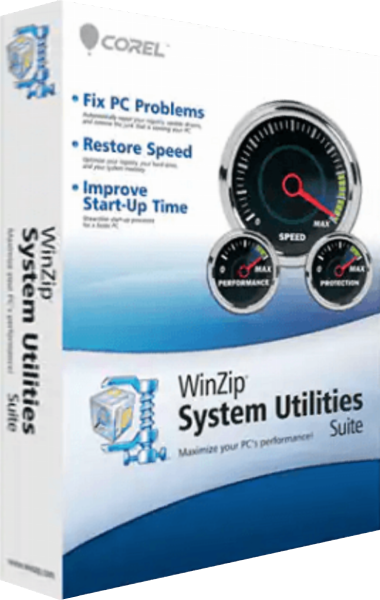
WinZip System Utilities Suite
Clean up Windows, manage drivers and startup items, inspect disk usage and troubleshoot problems with a combined maintenance toolkit.
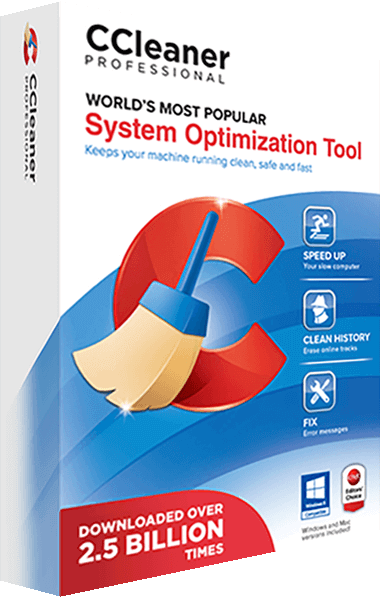
CCleaner Professional
Clean up Windows files and manage performance, software updates, and drivers with CCleaner Professional.
Explore more
- WinZip System Utilities Suite vs ReviverSoft PC Reviver
- WinZip System Utilities Suite vs Ashampoo WinOptimizer Pro 29
- WinZip System Utilities Suite vs Auslogics BoostSpeed
- WinZip System Utilities Suite vs IObit Advanced SystemCare Pro
- WinZip System Utilities Suite vs iolo System Mechanic
- PC maintenance and optimization overview
- Driver updater software overview
- Keep independent copies of important files