Product comparison
iolo Updater vs Ashampoo Driver Updater
Both products can review hardware-driver updates and preserve drivers for recovery. The choice is between a combined application-and-driver tool and a driver-focused workflow. Begin with the device and version you need to change rather than applying every recommendation automatically.
Compare update workflows
| Task | iolo Updater | Ashampoo Driver Updater |
|---|---|---|
| Maintenance scope | Supported applications and device drivers | Hardware-driver maintenance |
| Update review | Manual selection from application and driver recommendations | Installed and available driver details with selected or multiple updates |
| Recovery | Driver backup and restore controls | Driver backup and restore; installation history and rollback in current releases |
| Automation | Scheduled scans and downloads | Scheduled driver checks and updates in current releases |
| Version-sensitive workflow | Check available controls in the installed edition | Verify history, scheduling and Windows-update access in the installed build |
| What to test | Changed applications and hardware devices | The hardware and software workflows affected by the selected driver |
Which workflow fits?
Consider iolo for combined maintenance
iolo Updater is a candidate when you want application and driver recommendations together. Its separate program and driver ignore lists can help keep a required version out of future updates while you assess compatibility.
Consider Ashampoo for a driver-focused routine
Ashampoo Driver Updater focuses on device drivers and provides backup and restore. Current releases also describe installation history, rollback and scheduling. Check those controls in the installed build because the catalog listing does not identify a fixed release number.
Driver recovery depends on an available backup or usable earlier version. A history entry alone does not establish a complete recovery copy. For a specialized computer or peripheral, review the device-maker guidance you normally follow alongside any recommendation.
Check the result of an update
- Identify the target device and compare the installed version with the proposed replacement.
- Create and locate the relevant driver backup before installing a replacement.
- Save work, apply the selected change and restart if requested.
- Test the affected hardware and the applications that use it, then record the result before scheduling more changes.
We have not benchmarked driver matching or reliability on identical hardware. Database size and release date alone do not establish the right driver for a device.
Compared products
Both listings are unnumbered. Ashampoo features described for current releases should be checked in the installed build.
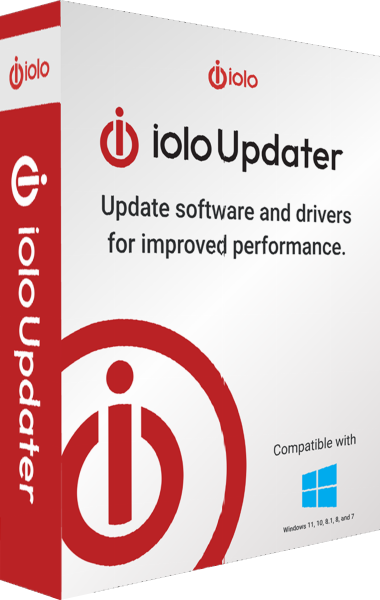
iolo Updater
Check Windows applications and device drivers for updates, schedule maintenance and back up drivers before changes.
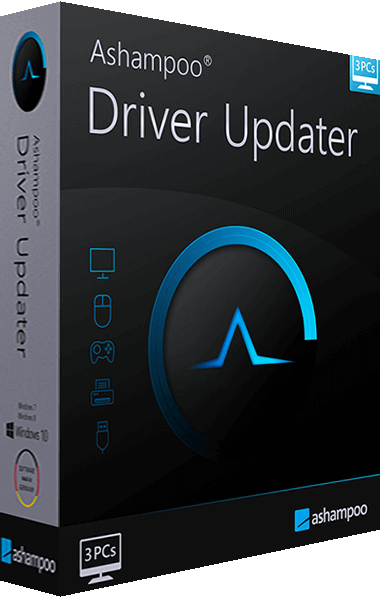
Ashampoo Driver Updater
Scan hardware drivers, review available updates and preserve working driver versions with backup and restore tools.