Product comparison
iolo Updater vs IObit Software Updater
These products overlap in application updating, while iolo also covers hardware drivers. Compare them first against the applications you actually use. A program missing from a scan may be outside the supported catalog rather than already up to date.
Compare update workflows
| Task | iolo Updater | IObit Software Updater |
|---|---|---|
| Application checks | Checks supported installed programs for available updates | Reviews supported installed applications and available versions |
| Driver maintenance | Includes device-driver checks and updates | Application-focused product; hardware-driver maintenance is a separate task |
| Batch updates | Check the active edition before relying on Update All | Free and Pro have different batch-update allowances |
| Automation | Scheduled scans and downloads | Pro adds automatic application updates and scheduling |
| Exclusions | Separate Ignore Lists for programs and drivers | Ignore a particular update or future updates for a program |
| Recovery controls | Driver backup and restore are documented | Automatic system restore-point preparation before application installation |
Which workflow fits?
Consider iolo when you want both update categories
iolo Updater is relevant when you intend to manage supported applications and drivers in one tool. Keep the selections distinct: an application upgrade and a hardware-driver replacement need different compatibility checks and recovery planning.
Consider IObit when application updates are the task
IObit Software Updater focuses on supported applications. Review installed and proposed versions, the ignored-update list and the Pro Auto Update List before enabling a schedule. Its recommended-application catalog is a separate installation choice, not a list of updates you must apply.
Compare active editions. Free scanning or individual updates do not establish unrestricted batch or automatic updating. A Windows restore point and a saved driver backup also cover different recovery needs; neither preserves every personal file.
Check the result of an update
- Compare scan coverage for the applications you rely on and check separately any unsupported program.
- Verify edition limits, the automatic-update list and exclusions before enabling unattended work.
- Confirm the relevant recovery option completed and preserve important documents independently.
- Open real projects and test plug-ins or integrations after updating the application.
We have not compared supported-catalog size or update success on identical installations. Coverage should be judged against your applications, not an assumed universal database.
Compared products
The IObit listing covers Software Updater, with Free and Pro scope called out where relevant. It should not be confused with Driver Booster Pro.
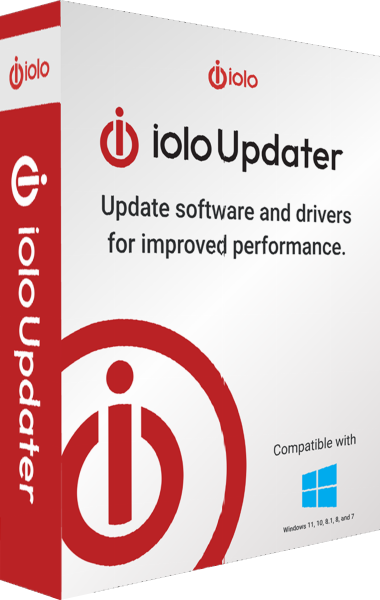
iolo Updater
Check Windows applications and device drivers for updates, schedule maintenance and back up drivers before changes.
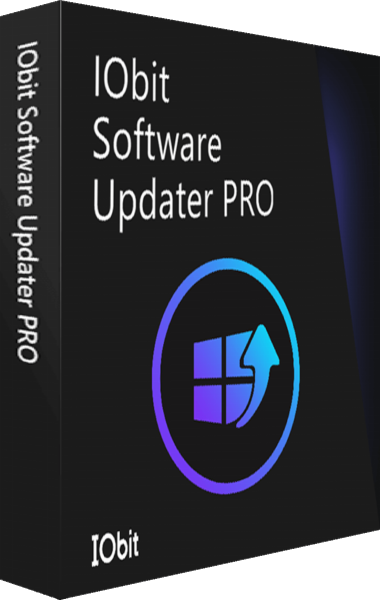
IObit Software Updater
Check supported Windows applications and install selected software updates.