Product comparison
Laplink PCmover Home vs O&O Migration Kit
This is a comparison of a standalone transfer edition and a bundle covering several stages of a PC move. O&O Migration Kit includes Laplink PCmover, so the key decision is the package scope and included editions rather than two unrelated transfer engines.
Compare task coverage
| Task | Laplink PCmover Home | O&O Migration Kit |
|---|---|---|
| Package purpose | Selected application, file and settings transfer between working PCs | Backup, selected PC transfer and old-device erasure |
| Transfer component | PCmover Home | Laplink PCmover; verify the edition included in the selected kit |
| Accounts and drives | Currently logged-on local user, C: to C: only | Determined by the bundled PCmover edition; do not assume Home or Professional scope |
| System backup | Prepare an independent backup separately | O&O DiskImage component for a system-image backup |
| Image-based migration | Outside the Home edition scope | Published kit workflow; verify the supplied components and instructions |
| Old-device retirement | No bundled whole-device erasure workflow | O&O SafeErase component, used after destination and backup verification |
Which workflow fits?
Consider Home when the transfer is the missing step
Laplink PCmover Home fits a plan where backup and device retirement are already covered and the move stays within its local-user and C:-to-C: limits. It transfers selected content into the new computer rather than restoring an old Windows image.
Consider the kit when you need the surrounding stages
O&O Migration Kit combines DiskImage, PCmover and SafeErase. The intended sequence is to preserve a recovery copy, move selected content, verify the destination and then erase the old device if it will leave your control.
The published kit also describes migration using an image. That does not add image restoration to a separately purchased Home license. Check the bundled PCmover edition, component versions and entitlements before relying on that route.
The kit does not include Windows itself or hardware upgrades. A current standalone product page does not establish which release is supplied in the bundle.
Verify the result before retiring the source
- Record the included component editions and match their transfer scope to the accounts and drives you need to move.
- Create an independent recovery copy before migration and confirm that the recovery tools can access it.
- Test transferred applications, documents, settings and activation on the new computer; retain the original while checking.
- Begin erasure only after the destination and retained backups are verified, and confirm the old device as the erasure target.
Our choice follows task coverage, not a measured compatibility ranking. Either transfer route can leave applications needing reactivation, reinstallation or manual configuration.
Compared products
Compare the standalone Home edition with the catalog kit. The kit name does not identify the PCmover edition or guarantee the newest standalone component releases.
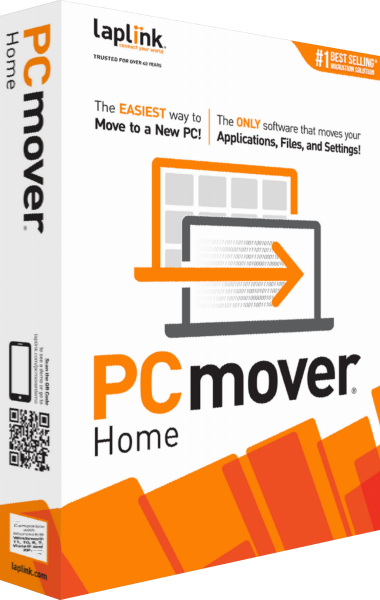
Laplink PCmover Home
Transfer selected applications, files and settings for the currently logged-on local user between working Windows PCs.
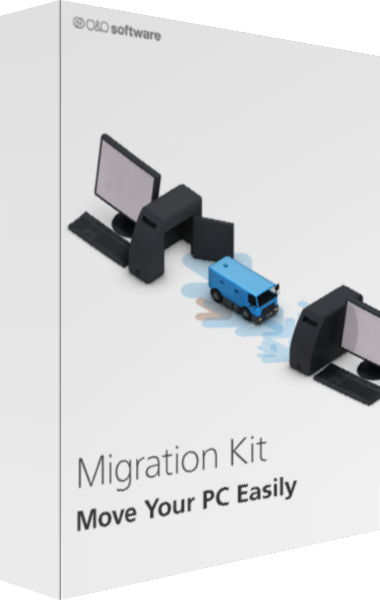
O&O Migration Kit
Plan a PC move with backup, application transfer, and old-device data erasure.