Product comparison
Ashampoo Backup 2025 vs Ashampoo Backup Pro 27
The useful distinction is backup scope. Backup 2025 centers on complete partitions, while Backup Pro 27 also supports independent file and folder plans and supported cloud destinations. Choose around what you need to save and where you need to recover it.
Compare backup workflows
| Task | Ashampoo Backup 2025 | Ashampoo Backup Pro 27 |
|---|---|---|
| Backup selection | Entire partitions, including Windows installations | Files, folders, drives and system partitions |
| Automatic operation | Scheduled incremental updates | Scheduled plans and Plug & Play storage-connection triggers |
| Destinations | Local, external and local network storage | Local, external, network and supported cloud storage |
| Plan management | Choose partitions, destination and schedule | Unified plan creation and editing, dashboard statistics and detailed logs |
| Retrieve selected files | File recovery through the application or rescue system | Backup Explorer for individual files from images |
| Recovery preparation | Bootable USB or disc rescue medium | Bootable rescue media plus Check & Repair drive checks |
Which workflow fits?
Choose Backup 2025 for a partition-focused routine
Ashampoo Backup 2025 backs up complete partitions. You want a scheduled copy of complete partitions on an external drive or local network, and do not need separate document-only plans. File retrieval from an image remains possible; choosing a partition as the backup source does not mean you must restore it in full every time.
Choose Backup Pro 27 for separate file plans and more destinations
Ashampoo Backup Pro 27 offers a broader workflow. Separate a frequently changing document folder from a larger system image, or use a supported cloud provider as a backup destination. The plan overview, logs and Backup Explorer give you additional ways to review and access the archive.
These are separate catalog editions. Backup 2025 should not be assigned the file-plan, cloud or dashboard features described for Backup Pro 27. A shared publisher also does not establish that the two editions can exchange every backup format.
Check your recovery plan
- Create a representative partition plan, then compare it with a separate folder plan in Backup Pro.
- Confirm the destination is available during the scheduled run and inspect the completion result.
- Restore one document to another folder and check which retained version you selected.
- For a cloud plan, verify the route to the archive and account access after the original PC becomes unavailable.
Automatic updates depend on successful backup runs. Keep the initial archive and required updates together, review task results and retain a copy on a separate physical device. Archive verification is useful alongside a practical restore test.
Compared products
Explore these catalog editions and confirm the backup and recovery functions you need.
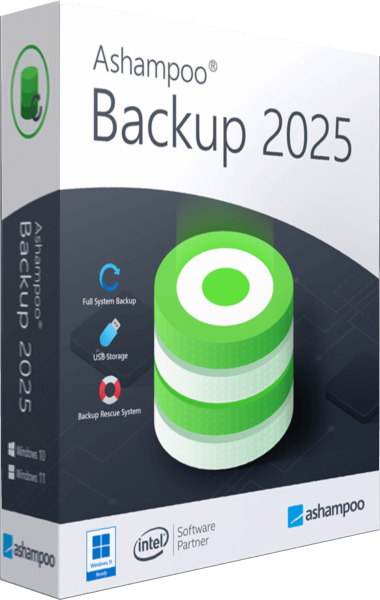
Ashampoo Backup 2025
Back up Windows partitions with scheduled incremental updates and recover data through the application or bootable rescue media.
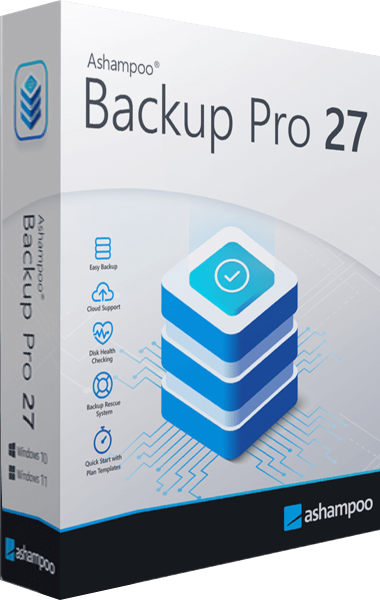
Ashampoo Backup Pro
Back up files and Windows systems to local, network or cloud storage, with individual file recovery and bootable rescue media.