Product comparison
Ashampoo Backup 2025 vs Macrium Reflect X Home
Both products create images for recovery, but Reflect X Home offers a broader set of file-backup, retention and cloning controls. Compare the recurring backup task and the recovery procedure rather than assuming that a larger feature set automatically improves your own recovery outcome.
Compare backup workflows
| Task | Ashampoo Backup 2025 | Macrium Reflect X Home |
|---|---|---|
| Backup selection | Entire partitions, including Windows | Disk and partition images plus file and folder backups |
| Backup methods | Incremental automatic updates | Full, differential and incremental backups |
| Automation and history | Scheduled partition plans | Scheduling and retention controls for backup history |
| File recovery | Retrieve files through the application or rescue system | Individual-file recovery from supported backups |
| Storage migration | Recover a partition from an existing archive | Disk cloning as well as image restoration |
| Additional recovery controls | Bootable rescue media and archive verification | Rescue media, Rapid Delta Restore and Image Guardian |
Which workflow fits?
Choose Backup 2025 for a partition-focused routine
Ashampoo Backup 2025 backs up complete partitions. Your priority is a scheduled partition image with file retrieval and bootable recovery. Use a destination on a separate physical device and check that the rescue environment can access the saved archive.
Choose Reflect X Home for more backup and retention controls
Macrium Reflect X Home offers a broader workflow. You need separate file and folder plans, differential backups, a cloning workflow or the Image Guardian and Rapid Delta Restore features. These controls still require a usable archive and a tested path to its storage.
The selected Macrium catalog page is Reflect X Home at /macrium/reflect-home/. Features of older Reflect releases and their licenses should not be assumed to describe X Home. Image Guardian protects supported backup files; it does not replace another independent copy.
Check your recovery plan
- Compare a partition-image plan with a separate document-folder plan.
- Review retention settings and identify the complete chain needed for an older recovery point.
- Restore a sample file without replacing the working copy.
- Test rescue-media storage access; plan any migration or full restore with source and target drives clearly identified.
Automatic updates depend on successful backup runs. Keep the initial archive and required updates together, review task results and retain a copy on a separate physical device. Archive verification is useful alongside a practical restore test.
Compared products
Explore these catalog editions and confirm the backup and recovery functions you need.
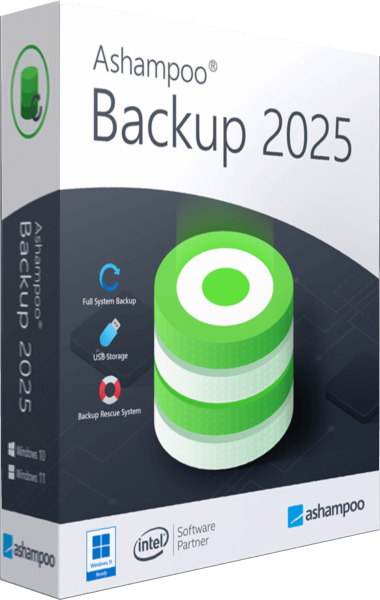
Ashampoo Backup 2025
Back up Windows partitions with scheduled incremental updates and recover data through the application or bootable rescue media.
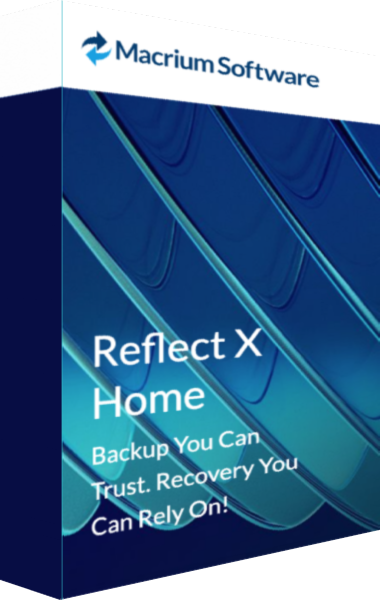
Macrium Reflect X Home
Create disk images and file backups with Reflect X Home and prepare rescue-media recovery.
Explore more
- Ashampoo Backup 2025 vs Ashampoo Backup Pro 27
- Ashampoo Backup 2025 vs EaseUS Todo Backup Home 2026
- Ashampoo Backup 2025 vs O&O DiskImage 23
- Ashampoo Backup 2025 vs Acronis True Image 2026
- Ashampoo Backup 2025 vs Laplink DiskImage
- Ashampoo Backup Pro 27 vs Macrium Reflect X Home
- How to choose backup software
- Plan a Windows system backup