Product comparison
Ashampoo Backup Pro 27 vs Macrium Reflect X Home
Both products can protect selected files and create images for Windows recovery. Backup Pro 27 combines updated plan management with cloud-provider connections and Backup Explorer. Reflect X Home provides imaging, file backups, cloning and backup-chain controls, with tools such as resumable imaging and Image Guardian. Compare the recovery routine you will actually maintain.
Compare backup workflows
| Task | Ashampoo Backup Pro 27 | Macrium Reflect X Home |
|---|---|---|
| Coverage | File, folder, drive and system-partition backups | Disk and partition imaging plus file and folder backups |
| Recurring plans | Unified plan creation and editing with dashboard and logs | Schedules and retention controls for full, differential and incremental backups |
| Storage workflow | Local, external, network and supported cloud destinations | Plan around the supported destination and access method for the installed Reflect build |
| Selected-file retrieval | Backup Explorer can recover individual files from backup images | Browse suitable backups or images to retrieve selected files |
| Recovery preparation | Revised bootable rescue environment | Bootable rescue media and Rapid Delta Restore for supported recovery scenarios |
| Additional controls | Check & Repair, drive-status overview and BitLocker unlocking | Resumable imaging, Image Guardian and disk cloning |
Which workflow fits?
Consider Backup Pro for unified plans and provider connections
Ashampoo Backup Pro 27 places plan setup, editing, logs and status in a revised interface. Supported cloud connections and Plug & Play plans can help organize off-device copies and an external-drive routine. Check the completion status and access requirements for every destination.
Consider Reflect X Home for its imaging and backup-chain tools
Macrium Reflect X Home provides full, differential and incremental backups, retention controls, cloning and rescue-media recovery. Reflect X adds resumable imaging, while Image Guardian protects supported backup files from unauthorized changes. These tools still need a tested recovery plan and an independent copy.
Keep each backup set intact and use the application's retention controls. Manually deleting a required incremental file can break later recovery points. Compare a representative restore and the management of the history you need rather than assuming a named recovery feature guarantees a fixed restoration time.
Check your recovery plan
The Macrium entry covers Reflect X Home. Older Reflect installations and perpetual licenses can have different capabilities. Verify current-build features, supported destination access and rescue-media behavior before relying on a plan or migrating existing backup history.
- Select a file collection and the system partitions needed for the intended recovery goal.
- Review schedules, retention and destination capacity without manually removing backup-chain files.
- Restore representative files to another folder and check their contents.
- Boot-test rescue media and confirm access to the backup set and required credentials before an emergency.
This comparison describes documented workflows. We have not benchmarked backup speed or recovery reliability on identical systems. Check available storage, retain the required backup chain and keep destination credentials accessible independently of the original computer.
Compared products
Review the selected product versions and verify installed-build features, edition scope and recovery access.
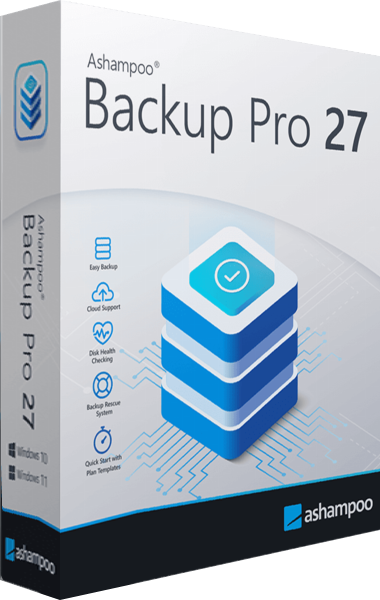
Ashampoo Backup Pro
Back up files and Windows systems to local, network or cloud storage, with individual file recovery and bootable rescue media.
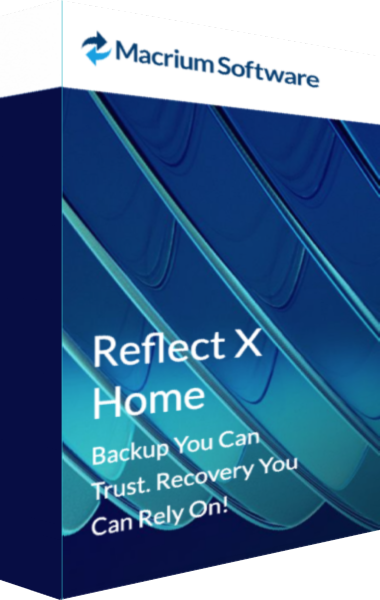
Macrium Reflect X Home
Create disk images and file backups with Reflect X Home and prepare rescue-media recovery.
Explore more
- Ashampoo Backup Pro 27 vs EaseUS Todo Backup Home 2026
- Ashampoo Backup Pro 27 vs O&O DiskImage 23
- Ashampoo Backup Pro 27 vs Acronis True Image 2026
- Ashampoo Backup Pro 27 vs Laplink DiskImage
- Ashampoo Backup Pro 27 vs Ashampoo Backup Pro 26
- Macrium Reflect X Home vs O&O DiskImage 23
- How to Choose Backup Software
- Plan a Windows system backup