Product comparison
Ashampoo Backup Pro 27 vs Laplink DiskImage
Both applications cover file backups and images for broader Windows recovery. Backup Pro 27 adds revised plan management, provider connections and Backup Explorer. Laplink DiskImage offers one-click imaging, recovery-media workflows and machine-independent restoration. Compare routine backup access and the conditions of the system recovery you intend to prepare.
Compare backup workflows
| Task | Ashampoo Backup Pro 27 | Laplink DiskImage |
|---|---|---|
| Backup scope | Files, folders, drives and system partitions | Whole-computer, drive and partition images plus selected-file backups |
| Routine setup | Unified plan creation and editing with dashboard and logs | One-click imaging and automated backup options |
| External-drive use | Configured Plug & Play plans start on associated drive connection | Connection-triggered backup workflows in current releases |
| Storage planning | Local, network and supported cloud destinations | Review the backup destination and access method supported by the installed build |
| Recovery access | Selected-file retrieval through Backup Explorer and bootable rescue media | Bootable media and RecoveryPartition workflows |
| Distinct task | Check & Repair and expanded BitLocker unlocking | Machine-independent restoration for supported hardware-change scenarios |
Which workflow fits?
Consider Backup Pro for plan visibility and supported cloud destinations
Ashampoo Backup Pro 27 combines a revised plan overview with provider connections and selected-file retrieval. A log panel can help investigate a failed task, while Backup Explorer supports recovering a document without restoring the entire partition.
Consider DiskImage for its imaging and recovery workflow
Laplink DiskImage provides one-click imaging, bootable recovery media, RecoveryPartition and machine-independent restoration. Review the installed release and the target hardware rather than treating the restoration feature as a promise that every application or device will work unchanged.
A recovery partition on the original physical drive remains dependent on that hardware. Keep another backup and recovery route independently accessible. For either product, configure external-drive triggers deliberately and check that a real backup completed after connecting the destination.
Check your recovery plan
The Laplink listing is unnumbered and currently identifies the DiskImage 19 product line. Existing installers can expose different automation and recovery controls. Verify the installed build and recovery-media access before relying on a hardware-change workflow.
- Select the required files and partitions and place the backup outside the source physical drive.
- Configure a recurring or device-triggered task and inspect its completed result.
- Retrieve a sample document and keep required backup-set files together.
- Test recovery-media startup and destination access without overwriting the working installation.
This comparison describes documented workflows. We have not benchmarked backup speed or recovery reliability on identical systems. Check available storage, retain the required backup chain and keep destination credentials accessible independently of the original computer.
Compared products
Review the selected product versions and verify installed-build features, edition scope and recovery access.
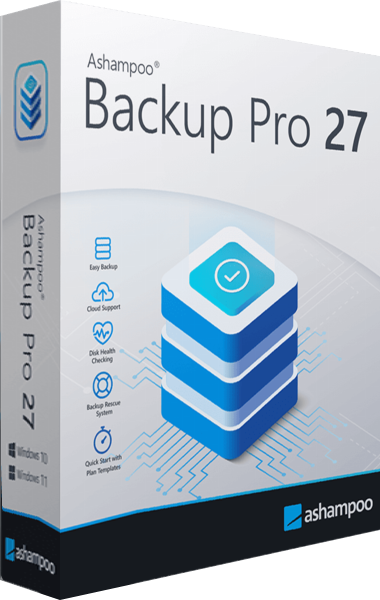
Ashampoo Backup Pro
Back up files and Windows systems to local, network or cloud storage, with individual file recovery and bootable rescue media.
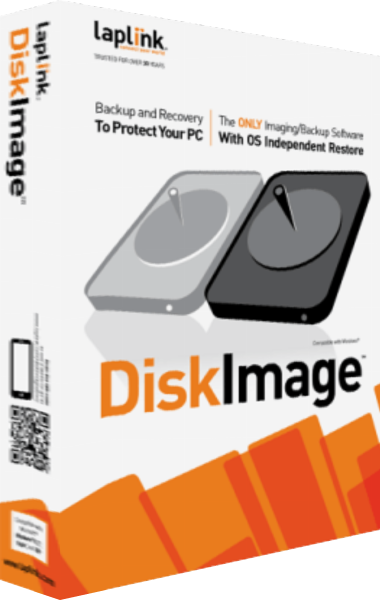
Laplink DiskImage
Create system images, back up selected files and prepare recovery workflows for Windows computers.
Explore more
- Ashampoo Backup Pro 27 vs EaseUS Todo Backup Home 2026
- Ashampoo Backup Pro 27 vs Macrium Reflect X Home
- Ashampoo Backup Pro 27 vs O&O DiskImage 23
- Ashampoo Backup Pro 27 vs Acronis True Image 2026
- Ashampoo Backup Pro 27 vs Ashampoo Backup Pro 26
- Laplink DiskImage vs Ashampoo Backup Pro 26
- How to Choose Backup Software
- Plan a Windows system backup