Product comparison
Laplink DiskImage vs Ashampoo Backup Pro 26
Compare a system-imaging workflow with a backup-plan workflow that covers files and partition images. The useful choice depends on what changes regularly, where copies are stored and how you will recover them after a failure.
Feature comparison
| Task | Laplink DiskImage | Ashampoo Backup Pro 26 |
|---|---|---|
| Coverage | Whole-computer, drive, partition and selected-file backups | File/folder backups and partition images |
| Starting a job | One-click imaging and selected backup scopes | Easy Backup and configurable plans |
| Automation | Current overview describes automatic and connection-triggered jobs; verify the installed release | Schedules, real-time folder backups and Plug & Play plans |
| Destinations | Choose independent backup storage and verify access | Local, network and supported cloud destinations |
| History | Check available image methods and retention controls in the installed build | Version retention with incremental and periodic full backups |
| System recovery | Bootable media and machine-independent restoration | Bootable rescue media for restoring saved system images |
Laplink version scope
The Laplink entry records software version 19. Its current product overview does not identify a release number, so automation, RecoveryPartition and connection-triggered functions described there should be checked in the installed build rather than assumed for every version 19 installation.
Machine-independent restoration is a recovery workflow for hardware changes. Check storage drivers, Windows startup and application activation on the destination; it does not guarantee an identical working result on every computer. Backup formats and recovery media should also be verified separately for each application.
Select the routine you can maintain and verify
Consider Ashampoo Backup Pro 26 when you want plans for frequently changing folders or partition images across local, network and supported cloud storage. Check the chosen provider and credentials separately from the backup software.
Consider Laplink when one-click imaging, disk cloning or machine-independent restoration are central to the task. Restoring an image and cloning a disk are different operations; keep recovery history even when a clone is useful for replacing storage.
A connection-triggered job still needs its selected destination and a successful completion. Review results and available recovery versions instead of assuming that attaching the external drive establishes a usable backup.
Review Laplink DiskImage and Ashampoo Backup Pro 26 for the compared catalog entries.
Verify an automatic job and a small restore
- Choose a small set of changing files and define the backup destination.
- Run the initial job and restore a known file to another folder.
- For automatic or connection-triggered jobs, change a test file and confirm a new recovery version is created.
- For system images, test rescue-media access to the archive and retain an independent recovery copy.
These are documented workflow comparisons, not measured backup-speed or recovery-success results. Keep a backup independent of the source physical drive, retain useful recovery dates and identify the target carefully before restoration or cloning replaces its contents.
Compared products
Cards identify the compared catalog entries. Check installed versions and edition or plan entitlements separately.
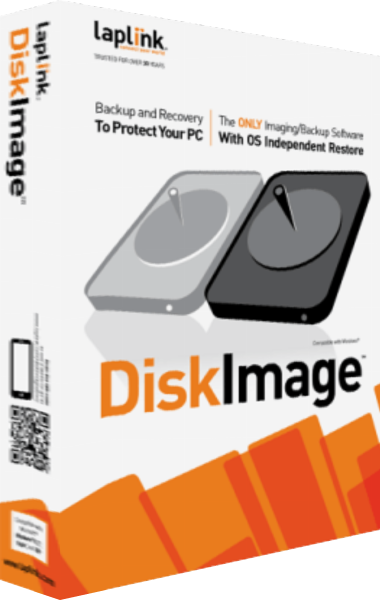
Laplink DiskImage
Create system images, back up selected files and prepare recovery workflows for Windows computers.
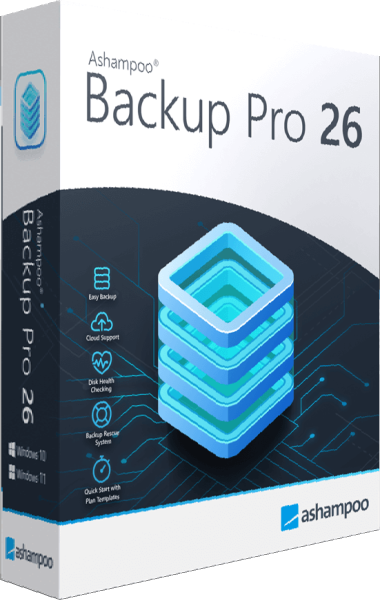
Ashampoo Backup Pro
Create automatic file and partition backups to local, network, or cloud storage.