Product comparison
Laplink DiskImage vs O&O DiskImage 23
Both products cover system imaging and selected-file backup. Compare the recovery process and backup routine in the exact releases rather than treating the similar DiskImage names as evidence of identical features or interchangeable archives.
Feature comparison
| Task | Laplink DiskImage | O&O DiskImage 23 |
|---|---|---|
| Backup scope | Whole-computer, drive, partition and selected-file backups | System, drive, partition and selected-file backups |
| Hardware changes | Machine-independent restoration | Hardware-independent restoration |
| Recovery access | Bootable recovery media; check local recovery options in the installed release | Bootable recovery media and edition-dependent recovery-environment tools |
| Automation | Confirm scheduling and external-drive triggers in the installed build | Automatic backup chains and retention controls in version 23 |
| Additional copies | Plan an independent copy and verify available destination controls | Additional copies to another drive, network location, S3 or WebDAV |
| Cloning | Disk and drive cloning described in Laplink documentation | Drive cloning for storage migration |
Laplink version scope
The Laplink entry records software version 19. Its current product overview does not identify a release number, so automation, RecoveryPartition and connection-triggered functions described there should be checked in the installed build rather than assumed for every version 19 installation.
Machine-independent restoration is a recovery workflow for hardware changes. Check storage drivers, Windows startup and application activation on the destination; it does not guarantee an identical working result on every computer. Backup formats and recovery media should also be verified separately for each application.
Compare the daily routine and the recovery route
Consider O&O DiskImage 23 when its guided backup overview, automatic chains or second-copy workflow fit the way you maintain recovery history. An S3 destination uses storage you configure; it does not establish that hosted capacity is included.
Consider Laplink when its imaging and machine-independent recovery workflow covers the required task. Check the installed build before relying on automation or local recovery features described on a versionless product page.
O&O recovery-environment features depend on the edition and build. The isolated environment advertised as Fortress Mode belongs to Premium; verify its current naming and availability rather than assuming it is part of every DiskImage license.
Review Laplink DiskImage and O&O DiskImage 23 for the compared catalog entries.
Check one image and its independent recovery copy
- Back up a small representative system or test disk to separate storage.
- Verify that the recovery environment can see both the archive and destination drive.
- Restore sample files and inspect the available recovery dates.
- If using a second destination, confirm the copy completed and can be accessed without the original computer.
These are documented workflow comparisons, not measured backup-speed or recovery-success results. Keep a backup independent of the source physical drive, retain useful recovery dates and identify the target carefully before restoration or cloning replaces its contents.
Compared products
Cards identify the compared catalog entries. Check installed versions and edition or plan entitlements separately.
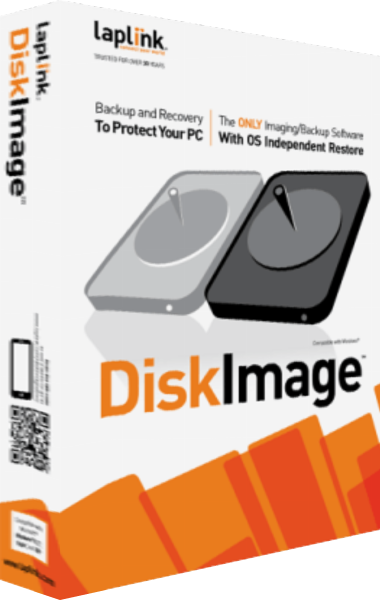
Laplink DiskImage
Create system images, back up selected files and prepare recovery workflows for Windows computers.
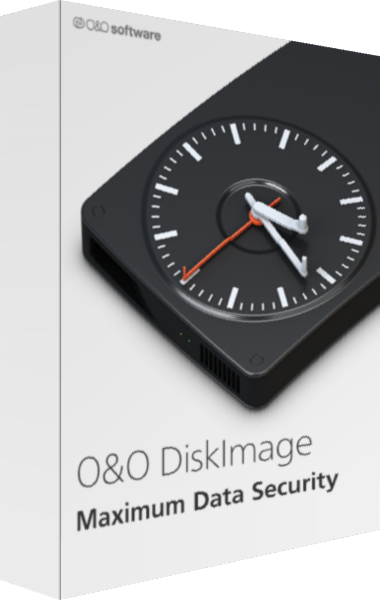
O&O DiskImage
Create system images and file backups with scheduled chains and recovery tools.