Product comparison
Ashampoo Backup Pro 27 vs Ashampoo Backup Pro 26
Both versions provide file and partition backups, multiple storage destinations and recovery tools. Version 27 revises the way plans are created, inspected and used for recovery. Compare those workflow changes with the tasks already available in version 26 before deciding how to update an established backup routine.
Compare backup workflows
| Task | Ashampoo Backup Pro 27 | Ashampoo Backup Pro 26 |
|---|---|---|
| Creating plans | Unified workflow combines wizard, Easy Backup and templates | Easy Backup alongside existing setup workflows |
| Reviewing activity | Redesigned dashboard with statistics, SMART status and errors; detail panel with logs | Backup-status dashboard and plan management |
| Individual files | Redesigned Backup Explorer unifies access, including files from image backups | Individual-file recovery, including from suitable images, is already available |
| Emergency recovery | Revised rescue interface for file, partition and system recovery | Bootable rescue media for recovery from existing backups |
| Drive access | Check & Repair queues drive checks; expanded Smartcard and TPM BitLocker unlocking | In-app BitLocker unlocking is already part of version 26 |
| Shared foundations | File and system backups, supported cloud destinations and configured Plug & Play plans | File and partition backups, supported cloud destinations and Plug & Play plans |
Which workflow fits?
Consider version 27 for the revised management and recovery interface
Ashampoo Backup Pro 27 unifies plan creation and editing and adds a detail panel for logs and reports. The redesigned Backup Explorer and rescue interface change the steps used to inspect archives and recover selected data. Dark mode and a dockable window provide additional workspace options.
Assess the version 26 routine you already use
Ashampoo Backup Pro 26 already includes file recovery, system images, cloud destinations, BitLocker unlocking and device-triggered plans. Those functions should not be counted as newly introduced merely because they remain available in version 27.
Evaluate the update with a representative plan and an existing backup you need to retain. Confirm archive access, credentials and rescue-media behavior before changing an established chain or removing an older recovery option. A redesigned interface does not by itself establish archive compatibility or successful restoration.
Check your recovery plan
The cards select versions 27 and 26 separately. Check installed builds, existing license rights and access to the backups you already keep. New BitLocker unlock methods extend the workflow; they do not replace the need for accessible recovery credentials.
- Record the version 26 source, destination, exclusions and retained recovery history before changing the setup.
- Review a representative plan and its reports in version 27, preserving existing backup copies.
- Verify individual-file retrieval from a required existing archive to a separate folder.
- Prepare and boot-test the intended rescue media, confirming storage and encrypted-backup access before retiring older media.
This comparison describes documented workflows. We have not benchmarked backup speed or recovery reliability on identical systems. Check available storage, retain the required backup chain and keep destination credentials accessible independently of the original computer.
Compared products
Review the selected product versions and verify installed-build features, edition scope and recovery access.
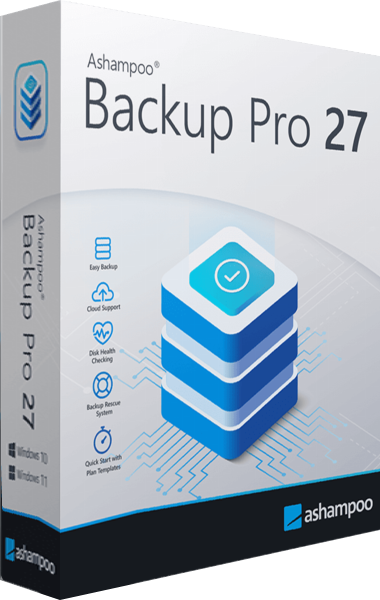
Ashampoo Backup Pro
Back up files and Windows systems to local, network or cloud storage, with individual file recovery and bootable rescue media.
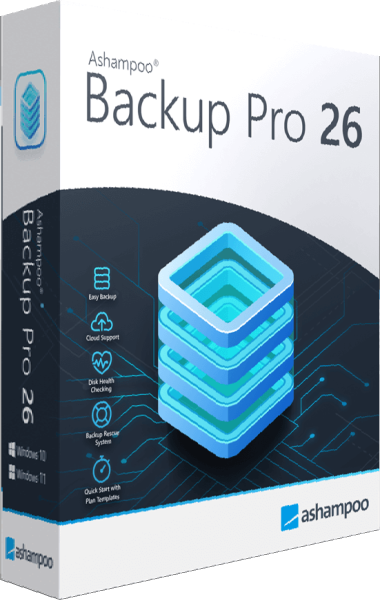
Ashampoo Backup Pro 26
Create automatic file and partition backups to local, network, or cloud storage.
Explore more
- Ashampoo Backup Pro 27 vs EaseUS Todo Backup Home 2026
- Ashampoo Backup Pro 27 vs Macrium Reflect X Home
- Ashampoo Backup Pro 27 vs O&O DiskImage 23
- Ashampoo Backup Pro 27 vs Acronis True Image 2026
- Ashampoo Backup Pro 27 vs Laplink DiskImage
- EaseUS Todo Backup Home vs Ashampoo Backup Pro 26
- Laplink DiskImage vs Ashampoo Backup Pro 26
- How to Choose Backup Software
- Plan a Windows system backup