Product comparison
Ashampoo Backup Pro 27 vs O&O DiskImage 23
Both applications cover system images and selected-file backups with recovery tools. Backup Pro 27 revises plan management and individual-file access. DiskImage 23 adds a guided overview, automatic backup chains and second-copy destinations. Compare the route from creating a backup to keeping and accessing an independent recovery copy.
Compare backup workflows
| Task | Ashampoo Backup Pro 27 | O&O DiskImage 23 |
|---|---|---|
| Backup scope | Files, folders, drives and system partitions | System, drive, partition and file backups |
| Plan overview | Unified plan creation, statistics and detailed logs | Guided overview with backup history, protection status and recommendations |
| Backup history | Review retained versions and the settings of each plan | Automatic backup chains with retention and scheduled full backups |
| Remote-storage approach | Supported cloud providers can be selected as plan destinations | Additional copies can follow a primary backup to another drive, network share, S3 or WebDAV |
| File and system recovery | Backup Explorer selected-file retrieval and bootable rescue media | Supported-image file retrieval and bootable recovery media |
| Additional controls | Check & Repair and expanded BitLocker unlocking | Cloning; Fortress Mode belongs to Premium Edition |
Which workflow fits?
Consider Backup Pro for its destination and file-retrieval workflow
Ashampoo Backup Pro 27 combines local, network and supported cloud destinations with a revised dashboard and Backup Explorer. Review plan errors and retrieve a selected file before depending on a larger archive.
Consider DiskImage for chains and an additional-copy routine
O&O DiskImage 23 supports automatic backup chains and copies to a second destination, including S3-compatible storage or WebDAV. Inspect primary and additional-copy results separately: a local task completing does not establish that the remote transfer finished.
The cloud workflows need separate evaluation. A direct plan destination and a second copy after a local backup involve different transfer and recovery steps. Keep the required backup chain, account access and encryption information available independently of the computer.
Check your recovery plan
The comparison selects Backup Pro 27 and DiskImage 23. Verify installed-build functions and the O&O edition before relying on Fortress Mode. Drive checks and status indicators assist maintenance but cannot establish that a complete recovery will succeed.
- Choose the required files or system partitions and confirm the primary destination.
- Review history and retention, then check remote-transfer or additional-copy results separately.
- Recover a representative file from the destination you expect to use after a failure.
- Test startup and storage access from rescue media while preserving the working system.
This comparison describes documented workflows. We have not benchmarked backup speed or recovery reliability on identical systems. Check available storage, retain the required backup chain and keep destination credentials accessible independently of the original computer.
Compared products
Review the selected product versions and verify installed-build features, edition scope and recovery access.
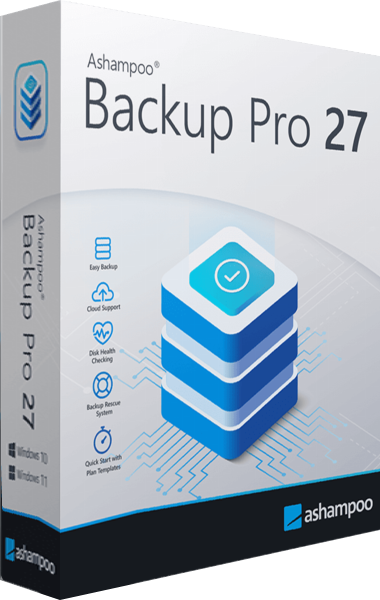
Ashampoo Backup Pro
Back up files and Windows systems to local, network or cloud storage, with individual file recovery and bootable rescue media.
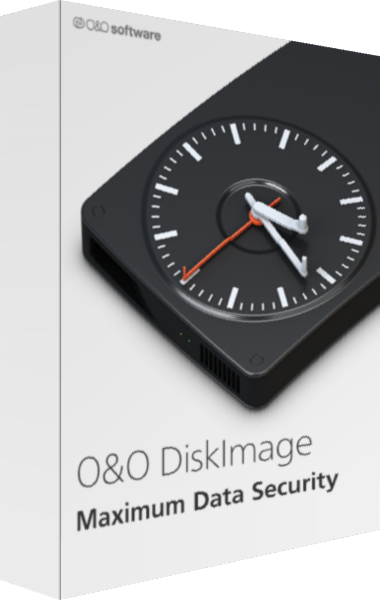
O&O DiskImage
Create system images and file backups with scheduled chains and recovery tools.
Explore more
- Ashampoo Backup Pro 27 vs EaseUS Todo Backup Home 2026
- Ashampoo Backup Pro 27 vs Macrium Reflect X Home
- Ashampoo Backup Pro 27 vs Acronis True Image 2026
- Ashampoo Backup Pro 27 vs Laplink DiskImage
- Ashampoo Backup Pro 27 vs Ashampoo Backup Pro 26
- O&O DiskImage 23 vs EaseUS Todo Backup Home
- How to Choose Backup Software
- Plan a Windows system backup