Product comparison
WinZip Disk Tools vs Ashampoo WinOptimizer Pro 29
WinZip Disk Tools focuses on cleanup, duplicate files and drive maintenance. WinOptimizer Pro 29 places related tasks in Drive Cleaner, Duplicate Finder and DiskSpace Explorer, alongside additional Windows maintenance modules.
Compare storage workflows
| Task | WinZip Disk Tools | Ashampoo WinOptimizer Pro 29 |
|---|---|---|
| Temporary files | Junk-file and temporary-file cleanup | Drive Cleaner with categories and exceptions |
| Duplicate files | Search for repeated copies and review removal candidates | Duplicate Finder with selected deletion and report creation |
| Storage analysis | Review cleanup candidates and drive measurements | DiskSpace Explorer helps inspect occupied storage |
| HDD maintenance | Scan and defragment mechanical hard drives | Defragmentation tools within the Optimize workflow |
| SSD decisions | Confirm the available operation for the detected device | SSD Wizard provides SSD-related settings to review |
| Additional tasks | Monitoring and drive benchmark tests | Startup controls, system analysis and supported software updates |
Which workflow fits?
Consider WinZip for cleanup and drive inspection
WinZip Disk Tools suits a task combining temporary-file cleanup, duplicate review and hard-drive maintenance. Review file locations before deleting copies and use monitoring or benchmarks to investigate a specific drive task.
Consider WinOptimizer for several maintenance tasks in one suite
Ashampoo WinOptimizer Pro 29 is relevant when storage cleanup is one part of a larger routine. Drive Cleaner exceptions can retain selected items, while Duplicate Finder and DiskSpace Explorer address different questions about files. Review the chosen modules independently.
A large folder is not automatically disposable, and a duplicate can be an intentional recovery copy. Backup Manager concerns supported program changes rather than a universal undo for deleted files.
Check the selected controls
- Inspect Drive Cleaner categories and exceptions before selecting deletion.
- Use DiskSpace Explorer to identify a large folder and confirm its purpose.
- Compare duplicate candidates by path and verify the copy you intend to keep.
- Apply a limited cleanup and check available space and normal application behavior.
Keep an independent copy of important files before substantial cleanup. Space recovered, fragmentation and task speed measure different things. This comparison covers documented workflows rather than measured speed gains or predictions of drive reliability.
Compared products
Review the selected catalog products and the controls available in the edition you intend to use.
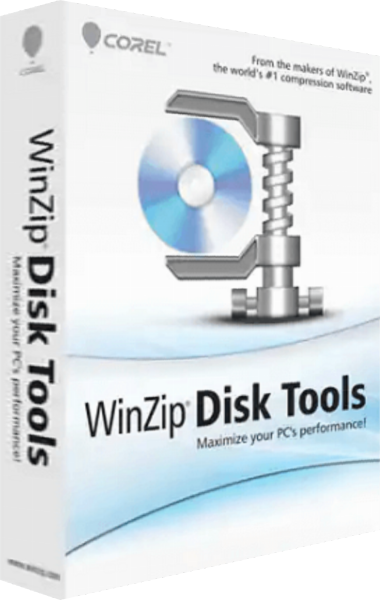
WinZip Disk Tools
Clean junk files, find duplicates and inspect drives with hard-drive defragmentation, monitoring and performance tests.
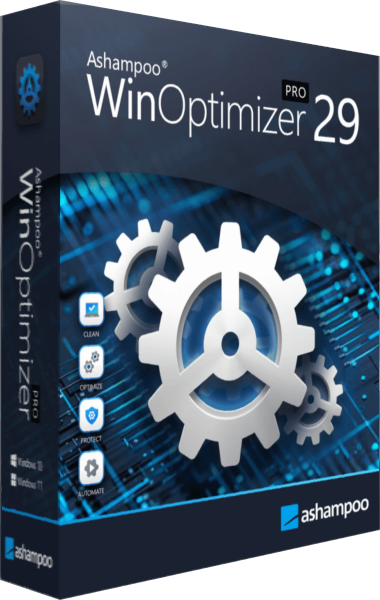
Ashampoo WinOptimizer Pro
Review Windows maintenance tasks with cleanup tools, software updates, startup controls and system analysis.
Explore more
- WinZip Disk Tools vs Auslogics BoostSpeed
- WinZip Disk Tools vs Auslogics Disk Toolkit
- WinZip Disk Tools vs O&O Defrag 32
- WinZip Disk Tools vs Auslogics Disk Defrag Ultimate
- WinZip Disk Tools vs IObit Smart Defrag Pro
- Disk management software guide
- Disk optimization software overview
- PC maintenance and optimization overview
- Keep independent copies of important files