Product comparison
WinZip Disk Tools vs Auslogics Disk Toolkit
WinZip Disk Tools combines cleanup, duplicate searches and drive inspection. Auslogics Disk Toolkit is a bundle of two applications: Disk Defrag for HDD work and SSD Optimizer for solid-state storage. The comparison centers on the tasks each collection covers.
Compare storage workflows
| Task | WinZip Disk Tools | Auslogics Disk Toolkit |
|---|---|---|
| Product scope | Cleanup, duplicate search and hard-drive maintenance tools | Two-application bundle of Disk Defrag and SSD Optimizer |
| HDD workflow | Hard-drive scanning and defragmentation | Disk Defrag analysis and file reorganization |
| SSD workflow | Check the drive type and available action before starting | Dedicated SSD Optimizer application |
| Reclaiming space | Remove selected temporary files and duplicate copies | Inspect the included applications rather than assuming a general cleanup suite |
| Drive inspection | Monitoring and benchmark tests | SSD-oriented status information and HDD fragmentation analysis |
| Included editions | Review the controls exposed by the installed build | Confirm bundled editions; Disk Defrag Ultimate is a separate catalog product |
Which workflow fits?
Consider WinZip for cleanup and drive inspection
WinZip Disk Tools suits a task combining temporary-file cleanup, duplicate review and hard-drive maintenance. Review file locations before deleting copies and use monitoring or benchmarks to investigate a specific drive task.
Consider Disk Toolkit for mixed HDD and SSD storage
Auslogics Disk Toolkit fits a computer with both mechanical and solid-state drives when you prefer separate applications for each storage type. Identify where Windows and your files reside, then select the relevant application. Check the bundled editions before relying on advanced controls.
The published bundle names Disk Defrag and SSD Optimizer. Do not infer that it includes Disk Defrag Ultimate, every Auslogics utility or every cleanup feature available in other suites.
Check the selected controls
- Identify each physical drive and whether it is an HDD or SSD.
- Confirm the included editions of Disk Defrag and SSD Optimizer.
- Analyze the relevant drive in the application intended for that storage type.
- Review the chosen operation and compare the same everyday file-access task afterward.
Keep an independent copy of important files before substantial cleanup. Space recovered, fragmentation and task speed measure different things. This comparison covers documented workflows rather than measured speed gains or predictions of drive reliability.
Compared products
Review the selected catalog products and the controls available in the edition you intend to use.
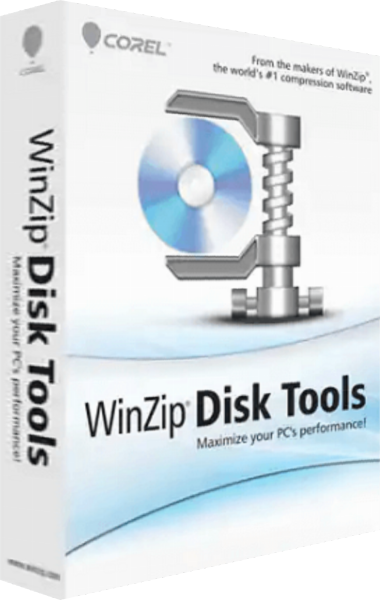
WinZip Disk Tools
Clean junk files, find duplicates and inspect drives with hard-drive defragmentation, monitoring and performance tests.
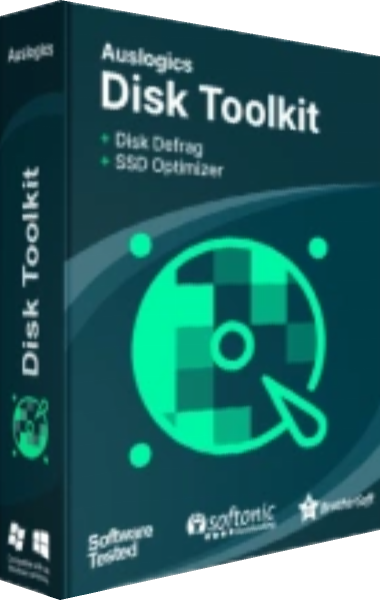
Auslogics Disk Toolkit
Maintain HDD and SSD storage with Disk Defrag and SSD Optimizer.
Explore more
- WinZip Disk Tools vs Auslogics BoostSpeed
- WinZip Disk Tools vs Ashampoo WinOptimizer Pro 29
- WinZip Disk Tools vs O&O Defrag 32
- WinZip Disk Tools vs Auslogics Disk Defrag Ultimate
- WinZip Disk Tools vs IObit Smart Defrag Pro
- Disk management software guide
- Disk optimization software overview
- PC maintenance and optimization overview
- Keep independent copies of important files