Product comparison
WinZip Driver Updater vs AVG Driver Updater
Both products provide device-driver update recommendations and recovery options. WinZip includes manual and automatic driver backups with a dated restore workflow. AVG backs up drivers it updates and offers version-specific Revert controls. Compare what you can restore as well as how you install a recommendation.
Compare driver workflows
| Task | WinZip Driver Updater | AVG Driver Updater |
|---|---|---|
| Driver review | Driver status and recommended manufacturer-sourced updates | Device panels with driver details and available updates |
| Update selection | Selected drivers or Update All in the registered product | Update selected drivers or the chosen update list |
| Saving a driver | Automatic update-time backups plus manual all-driver or single-driver backups | Automatic backup before updating a driver |
| Reverting a version | Load an available dated backup and select drivers to restore | Revert versions previously updated by AVG Driver Updater |
| Skipping a change | Driver Exclusion List | Skip an update version or ignore a driver |
| Windows restore points | Optional restore-point creation before updates | Automatic Windows restore-point creation before updates |
Which workflow fits?
Choose WinZip for explicit manual backup choices
WinZip Driver Updater is relevant when you want to save an all-driver or single-driver backup at a time you choose. Review that backup alongside the automatic copy made during an update.
Choose AVG around its device details and Revert workflow
AVG Driver Updater provides a driver-version view and Revert actions for saved versions. Its skip and ignore controls help distinguish a temporary decision about one update from leaving a device out of recommendations.
AVG's Revert workflow is limited to driver versions previously updated by AVG Driver Updater. It does not restore versions installed through Windows or another utility. Check available saved versions and Windows restore points before relying on either recovery path.
Check the update and recovery steps
- Compare the device and version information before selecting an update.
- Locate the driver backup and review which versions are actually available to restore.
- Inspect skip, ignore and exclusion choices before saving a decision.
- Follow any restart prompt and test the same device task before and after the change.
An available update is a maintenance option rather than a measured performance improvement. Compare the same hardware task before and after a change, and keep the relevant driver backup until the new configuration has been checked.
Compared products
Review the selected catalog products and the edition needed for your update and recovery workflow.
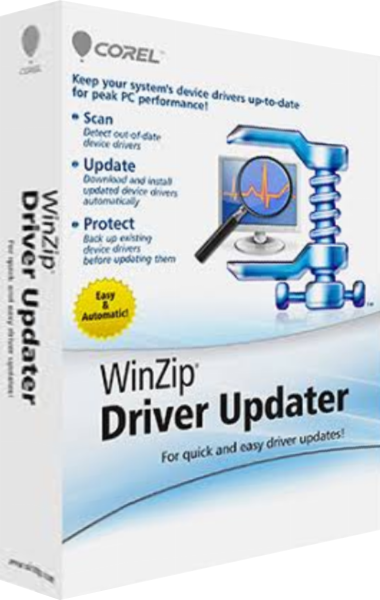
WinZip Driver Updater
Find and install device driver updates with tools for driver backups, restoration, exclusions and scheduled scans.
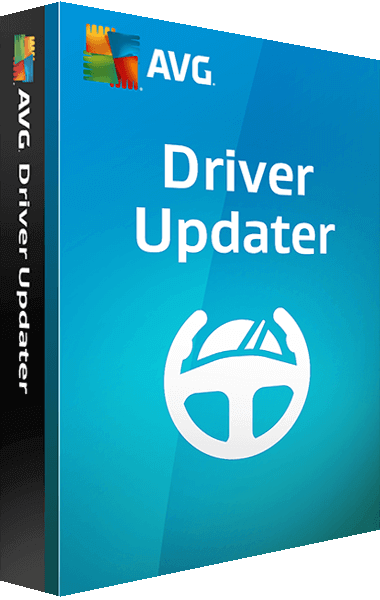
AVG Driver Updater
Find and update hardware drivers.
Explore more
- WinZip Driver Updater vs Ashampoo Driver Updater
- WinZip Driver Updater vs Auslogics Driver Updater
- WinZip Driver Updater vs ReviverSoft Driver Reviver
- WinZip Driver Updater vs IObit Driver Booster Pro
- WinZip Driver Updater vs iolo Updater
- Driver updater software overview
- PC maintenance and optimization overview
- Keep independent copies of important files