
Record, edit, and organize with Music Studio 12
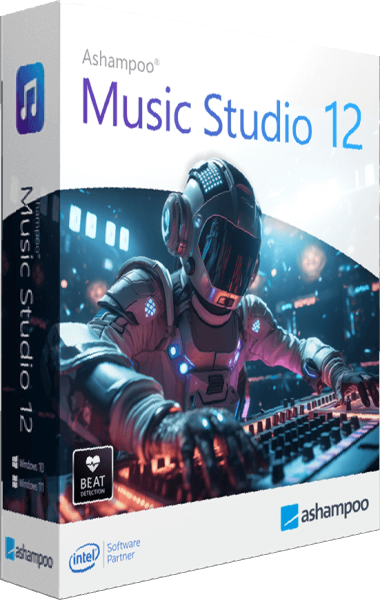
Ashampoo Music Studio 12 brings audio recording, editing, conversion, CD ripping, and collection management into one application. Prepare music compilations, playlists, and disc covers alongside everyday audio tasks. Use it to turn recordings into named tracks, transfer a CD collection to files, or prepare a selection of music for a player.
Smarter recording and automatic track names
Record audio from selected applications or connected devices. Automatic title recognition uses available artist and song information, while window title analysis helps name recordings from other sources.
Silence detection can split recordings into separate tracks. Music Studio can temporarily unmute recording devices and restore their previous state afterward. Sort the recording list by name, date, or duration. After recording, review the track boundaries and names before adding files to your collection. Silence-based splitting depends on pauses in the source audio, so a manual check helps catch unintended breaks.
Rip CDs with improved metadata
Version 12 combines information from multiple database entries for more accurate CD identification. CD-Text provides additional track details when available on the disc. Check the resulting artist, album, and track names before saving your files, especially when different editions share similar titles. Consistent metadata makes a larger collection easier to browse later.
Trim, mix, and preview audio
Edit across three tracks, rearrange clips, and split selections. Loop playback helps review transitions, while equalizer and normalization tools refine sound and balance volume. For a short project, start by trimming the material you need, arrange the clips, and listen through the joins. Use repeated previews to assess timing instead of judging the result only by the waveform.
Convert formats and organize tags
Convert audio to formats including FLAC, Ogg, WAV, and Opus. Edit track metadata, attach multiple images, and use naming templates to organize your library. Choose an output format that works with the intended player, then keep file names and tags consistent. Converting a compressed recording to a lossless format does not restore details already lost in the source.
Create compilations and covers
Build playlists and DJ Mix Tape projects, burn audio discs, and design labels or case covers with reusable templates. A playlist keeps a selection together without combining it into one recording, while a mix project lets you work on the sequence and transitions. Cover design completes a physical compilation with track lists and recognizable artwork.
Music Studio 12 vs Music Studio 11
Music Studio 11 already brings recording, editing, and music organization together. Version 12 focuses on recording details and CD identification: metadata merging, CD-Text analysis, automatic title recognition, window title parsing, and temporary unmuting of recording devices.
The revised recording list can be sorted by name, date, or duration. These changes are useful when you regularly capture several tracks or transfer CDs and want less manual work organizing the results.
From an audio source to an organized collection
Begin with the source and intended use. A CD archive needs clear track names and a suitable file format; a recorded session may need trimming and track splitting; a compilation needs an order that makes sense for listening. Complete the capture or import first, then review the audio before changing tags and exporting.
For dedicated disc projects with video, slideshows, and broader backup tools, compare Burning Studio 26. Music Studio concentrates on audio recording, editing, and collection management.
Music Studio 12 purchase options
Review the selected product and license terms in the purchase section. Confirm the final checkout total before paying.