Audio Recording and Editing Software
Choose audio tools around the source and the finished result. Recording a session, trimming tracks, transferring CDs and preparing a music compilation involve different steps.
What to compare
- Capture: Check the recording sources and review a short sample before a long session.
- Editing: Decide whether you need trimming, several tracks, fades or a continuous mix.
- Organization: Review track names, tags and artwork before processing a collection.
- Output: Test exported files on the intended player. An audio CD and a data disc containing music files use different playback workflows.
Music recording, editing and organization
Music Studio combines recording, CD ripping, editing, conversion and collection tools. Compare the selected editions when reviewing changes to an established workflow.
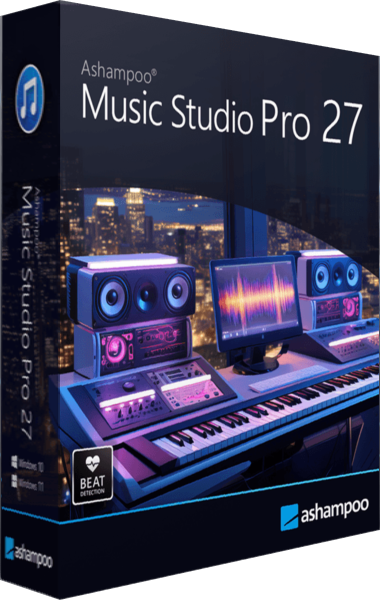
Ashampoo Music Studio Pro 27
Ashampoo Music Studio Pro 27 records, edits and converts audio, rips CDs and organizes music metadata. Create playlists, mixes and disc covers, with independent monitoring volume and refined automatic track splitting for recording sessions.
Audio within multimedia suites
Explore a multimedia suite when music is part of wider photo, video and disc projects. Review the selected edition and its included applications before choosing how files will move between tools.
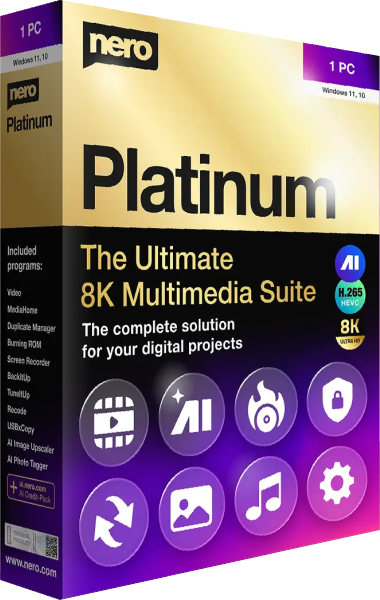
Nero Platinum Suite
Bring together video editing, photo organization, AI image enhancement, media conversion, disc creation, USB copying, backup, and PC maintenance. Included editions and features depend on the selected license.
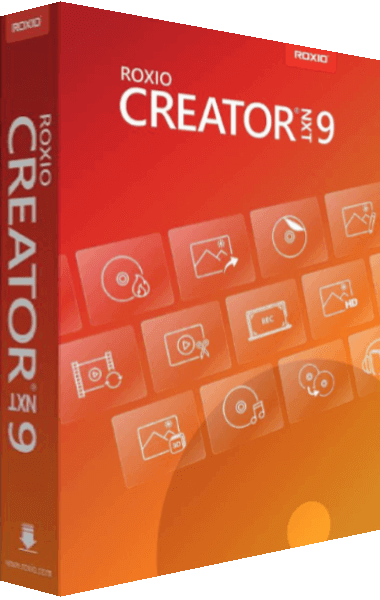
Roxio Creator NXT
Capture and edit video, audio, photo, and data. Burn, copy and author discs. Customize & create original new menus and themes with Template Designer. Easily convert media files with the new file converter. Access improved Help documentation available online, all in one place.
CD extraction and disc projects
For CD ripping and finished disc compilations, explore these disc tools. Check their editing functions separately from their recording and extraction workflows.
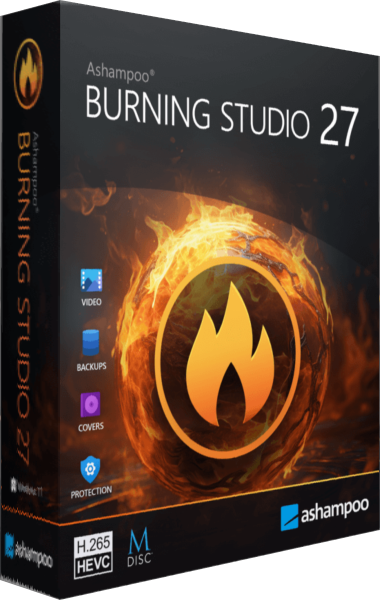
Ashampoo Burning Studio
Ashampoo Burning Studio combines CD, DVD and Blu-ray recording with audio extraction, disc images, movies and slideshows. Prepare compilations and backup archives, with AAC ripping and improved audiobook recognition in version 27.
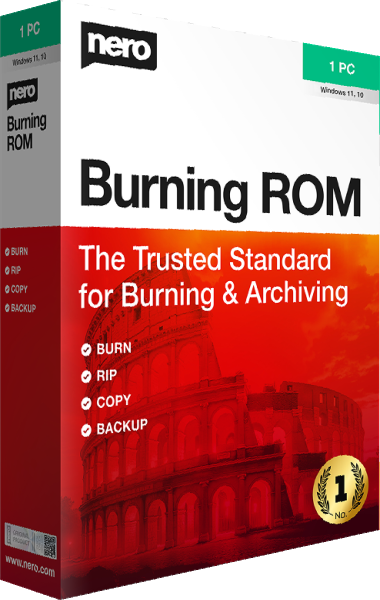
Nero Burning ROM
Create data and audio discs, burn ISO images, copy discs, and rip music tracks. Apply SecurDisc encryption, signatures, and redundancy to data archives.
Check a finished sample
Keep original recordings and project sources. Listen through cuts and transitions, inspect metadata and test the finished file or disc before repeating the workflow for a whole collection.