Product comparison
WinZip Privacy Protector vs VIPRE Privacy Shield
Both products inspect personal information stored on a computer. WinZip organizes findings into selectable scan areas. VIPRE also offers a choice between leaving browser logins in place, deleting them or moving them to a local encrypted vault.
Compare privacy workflows
| Task | WinZip Privacy Protector | VIPRE Privacy Shield |
|---|---|---|
| Personal information | Profile and contact-detail findings | Stored browser profiles containing personal details |
| Browser credentials | Review saved usernames and passwords for selected removal | Leave logins in the browser, delete them or move them to the local vault |
| Browsing records | History and cookies are selectable scan categories | Browsing Tracks results with selective deletion |
| Retaining access | Keep another way to sign in before deleting saved credentials | Vault access is separate from browser autofill |
| Recording devices | The cleanup workflow centers on stored information | Webcam and microphone controls in the activated edition |
| Reversing a decision | No built-in undo for records removed after a scan | Choose whether to retain, move or delete credentials before applying the action |
Which workflow fits?
Consider WinZip for reviewing stored personal information
WinZip Privacy Protector is a candidate when you want to inspect selected categories of personal information before deleting records. Keep needed credentials accessible elsewhere and review findings before removal: the cleanup has no built-in undo.
Consider VIPRE for credential storage and device-access controls
VIPRE Privacy Shield is useful when the decision includes where saved passwords should remain. Moving credentials to its local vault removes browser autofill and requires retrieving them from the vault. Recording-device controls add a separate privacy task.
Compare the activated editions and the action offered for each finding. A vault is a storage option, while deletion removes a record; neither removes information from an online account.
Check the selected controls
- Inspect the same browser profile and compare the login and personal-information findings.
- Distinguish leaving a login unchanged, moving it to the vault and deleting it.
- Confirm access to a needed account before removing its saved browser credentials.
- Test ordinary sign-in and any camera or microphone controls you enabled.
Compare the same browsers and profiles using the installed releases. Local cleanup does not delete records held by websites, and a count of findings is not a measurement of tracking-protection effectiveness.
Compared products
Review the selected catalog products and the controls available in the edition you intend to use.
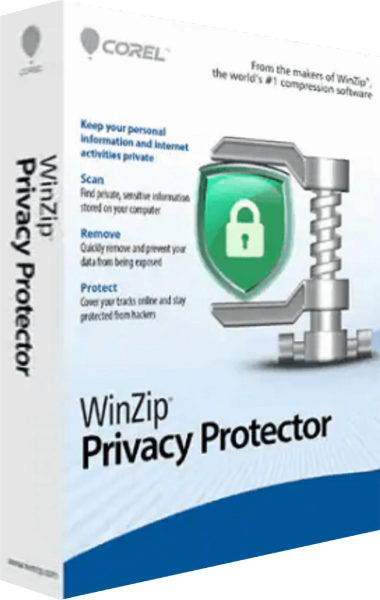
WinZip Privacy Protector
Find and selectively remove stored personal information, saved browser credentials, history and cookies from a Windows PC.

VIPRE Privacy Shield
Manage webcam, microphone, and computer privacy settings with VIPRE Privacy Shield.
Explore more
- WinZip Privacy Protector vs Ashampoo Privacy Inspector 2
- WinZip Privacy Protector vs iolo Privacy Guardian
- WinZip Privacy Protector vs CCleaner Professional
- WinZip Privacy Protector vs Ashampoo WinOptimizer Pro 29
- WinZip Privacy Protector vs Ashampoo AntiSpy Pro
- Privacy tools overview
- PC maintenance and optimization overview
- Keep independent copies of important files