iolo software for PC maintenance, security and privacy
Explore System Mechanic editions and dedicated iolo tools for Windows maintenance, malware protection, software updates, browser privacy, passwords and data management. Start with the task you want to address, then review the product and its included controls.
The catalog brings together broader suites and individual applications. Their roles overlap in places, so compare the selected edition and activated components before choosing which tools to use together.
Related Products
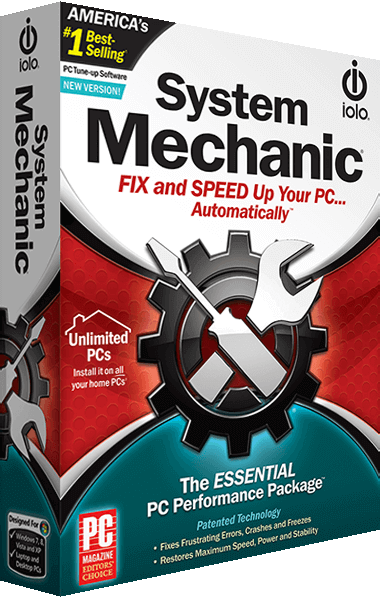
Choose a System Mechanic edition for your tasks
System Mechanic focuses on Windows cleanup, startup management and performance controls. Smart ActiveCare supports automatic maintenance, while the standard edition remains distinct from an antivirus package.
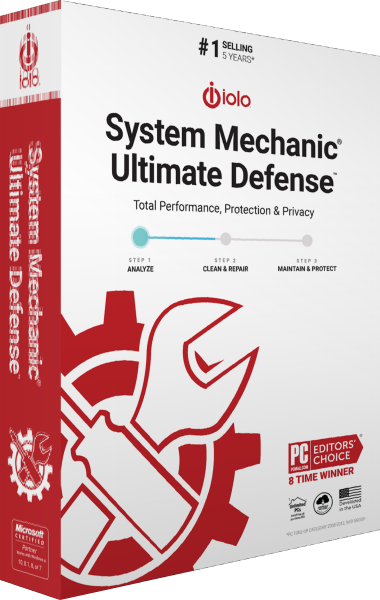
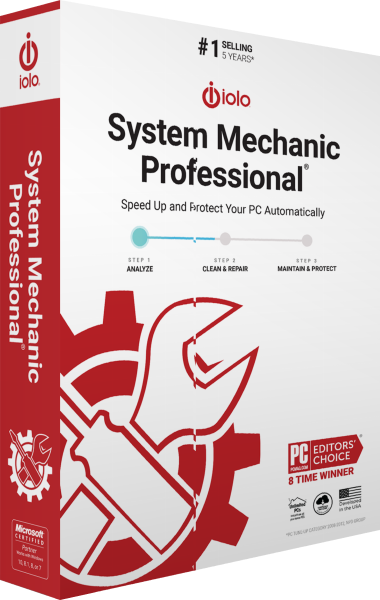
System Mechanic Professional adds antivirus, on-demand malware scanning, file recovery and drive erasure. Ultimate Defense extends that package with dedicated Privacy Guardian controls and ByePass+ password management.
Review proposed cleanup changes and the automatic tasks you enable. For other maintenance products, browse our PC optimization software catalog.
Update supported applications and device drivers
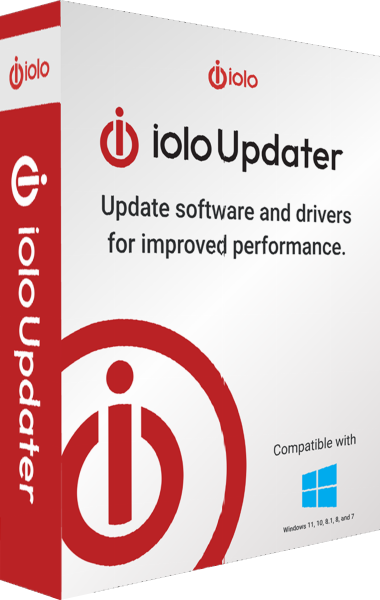
iolo Updater checks both applications and drivers, with manual selection, scheduling and exclusion lists. Review the program or device involved before applying a recommended update.
Driver backup and restore controls help prepare for a driver replacement. Keep important documents independently: a driver backup serves a different purpose from a complete copy of your files or system.
Distinguish ongoing protection from on-demand malware removal
System Shield provides real-time antivirus and antispyware protection for Windows. Malware Killer focuses on investigating and removing infections already present through on-demand scans.
Check which protection is active and review scan findings and remaining alerts. Explore the antivirus category to compare protection roles and features across other catalog products.
Manage browser traces and saved account details
Privacy Guardian combines cookie cleanup, website exclusions and browser tracking controls. Review cleanup settings to retain useful site data and saved passwords where needed, or explore privacy tools for related workflows.
ByePass+ stores credentials, payment-card details and secure notes, with password generation and autofill. Complete the extension setup in each supported browser you use; existing legacy ByePass users have a separate data-migration workflow. Explore password managers for this task.
Use an encrypted connection with ioloVPN
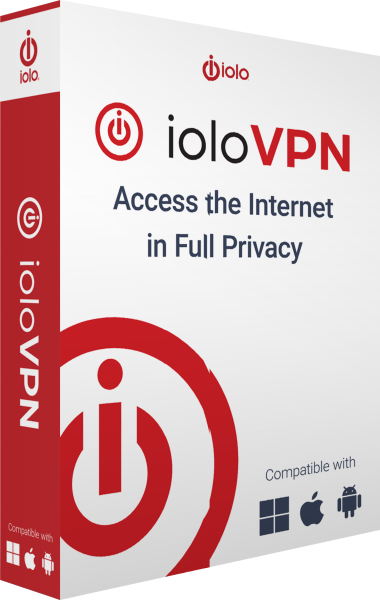
ioloVPN routes Internet traffic through an encrypted connection to a VPN gateway. Server location selection changes the public address presented to destinations for traffic using the service.
Review the selected plan and connection status on each device. A VPN does not make signed-in accounts anonymous or guarantee access to every online service. Browse VPN software for related tools.
Recover deleted files or prepare storage for handover
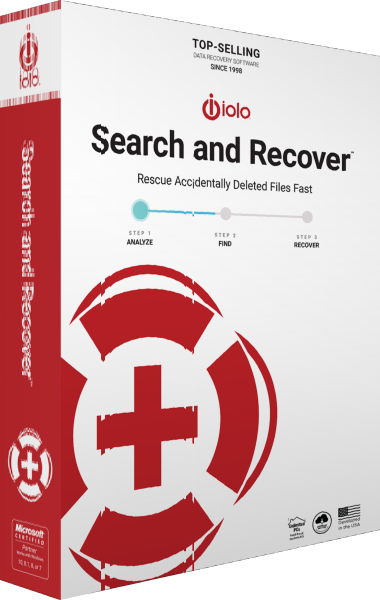
Search and Recover searches readable storage for deleted files using location controls, SmartScan and StrongScan. Save recovered copies to another drive and verify their contents.
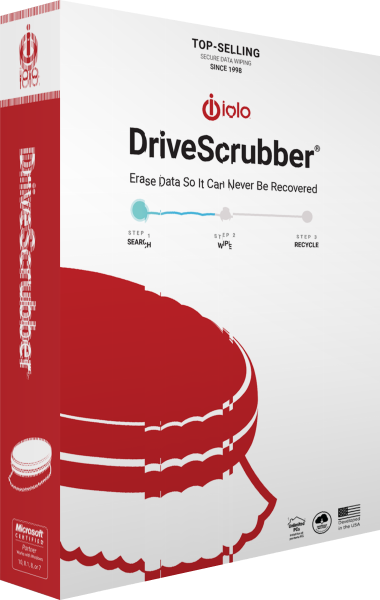
DriveScrubber erases selected drives for reuse or handover. Confirm the target and preserve needed information before wiping: drive erasure and file recovery have different intended results.
Keep a separate file backup workflow alongside maintenance and recovery tools. For earlier entries, visit the iolo product archive.